
For retail shops
Scan a basket, take payment and record the sale. Check stock before restocking, then compare the closing cash count with recorded drawer activity.
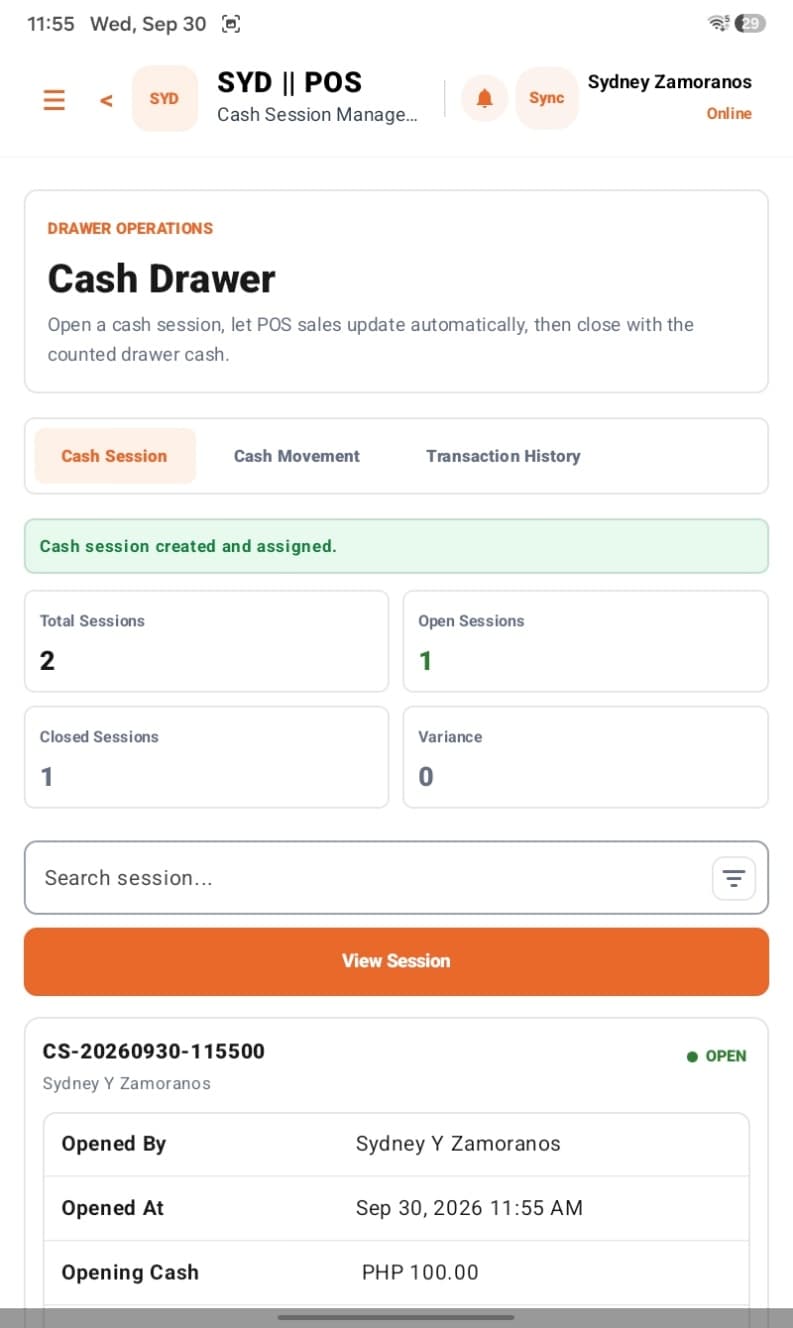
Cash short at closing? Stock running low mid-shift? Bring sales, stock movements and customer balances into one view, so you can see what needs attention in your shop or restaurant.
From uncertainty to action
A short drawer, an empty shelf or an unpaid balance needs a clear trail. Start with the result you need, then see the tools that help you get there.
Drawer total does not match the day’s sales? Review opening cash, cash movements and closing variance together.
Avoid discovering an empty shelf or missing ingredient during a busy shift. Check stock, alerts and purchasing before you restock.
From a shop checkout to an open restaurant bill, keep a record of what was ordered and paid. On the tablet, keep selling without internet.
A sale on credit is not yet money collected. See customer balances, collections and returns so you know what needs following up.
Know where to focus before calling every location. Review reports, trace transfers and give each team member the access their role needs.
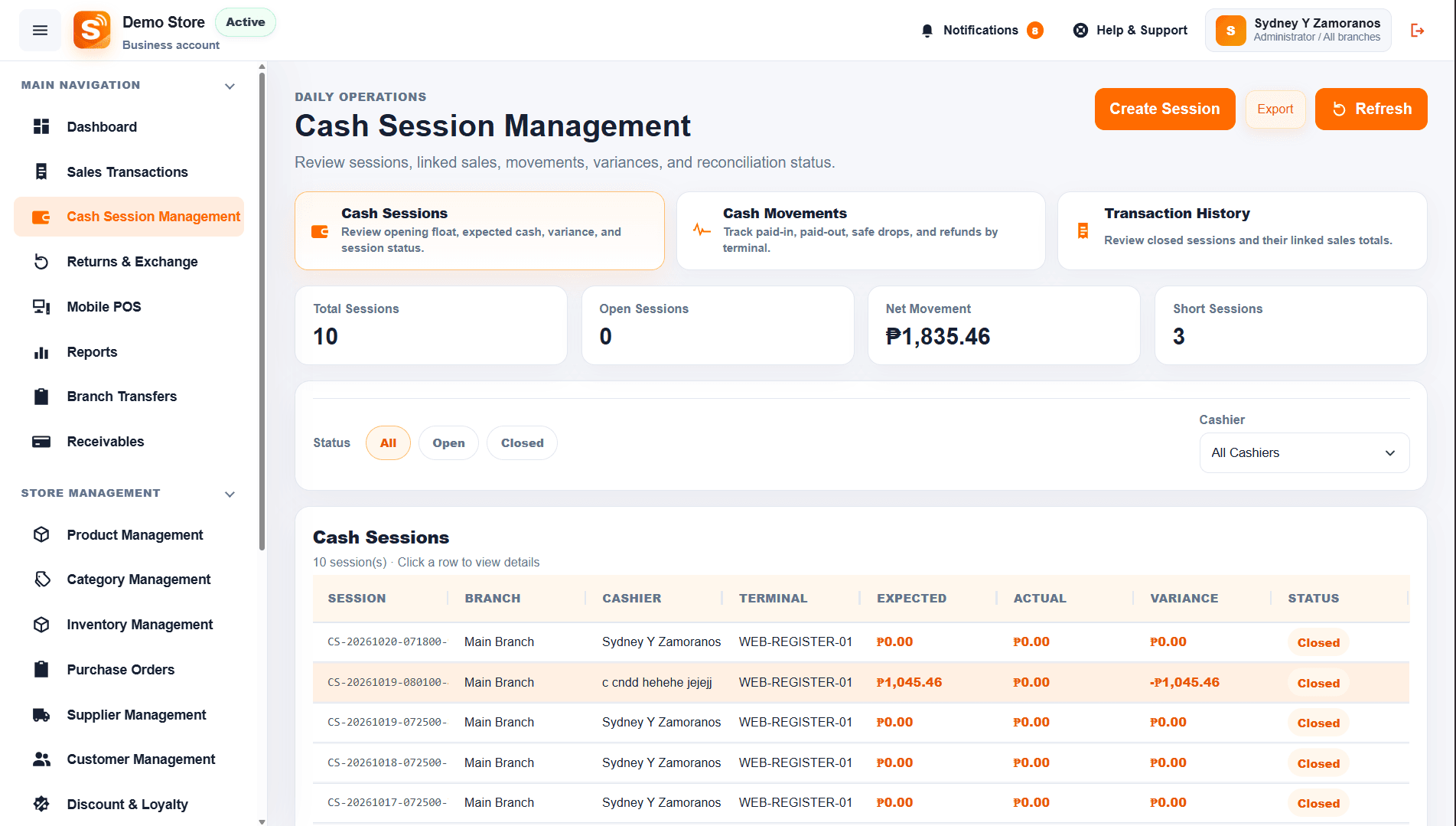
Understand cash differences
Compare opening cash, recorded sales and drawer movements with the closing count. Review the variance to see where a difference needs investigating. Offline sales appear in the back office after syncing.
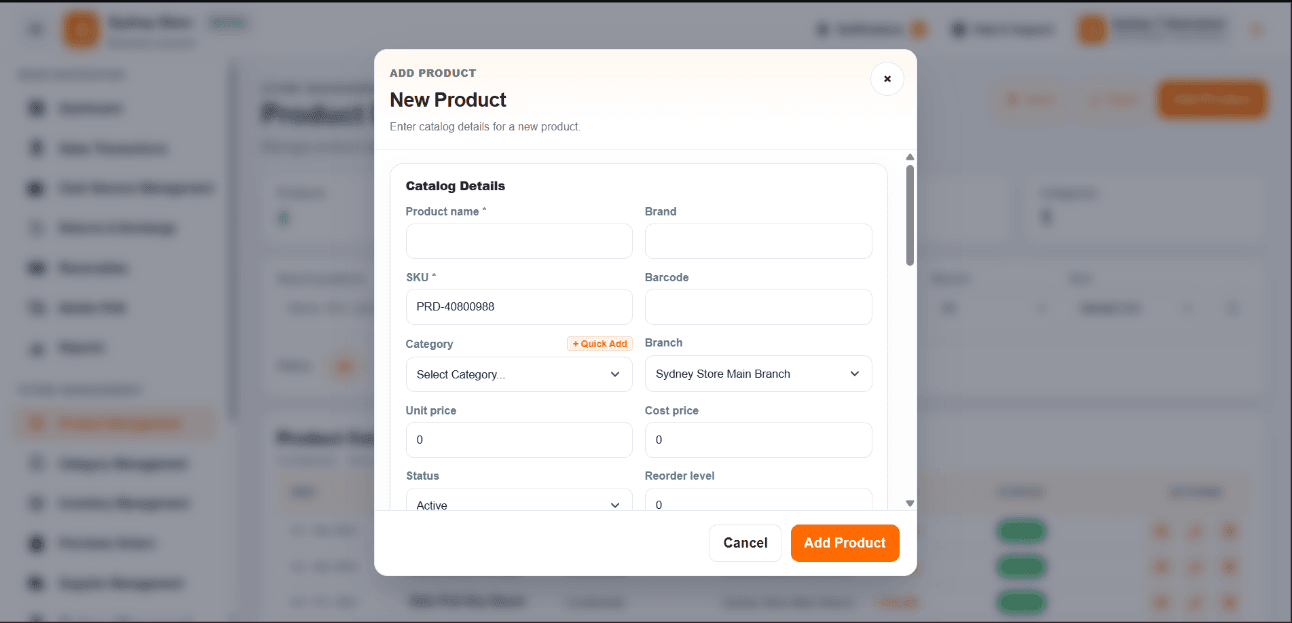
Catch stock gaps early
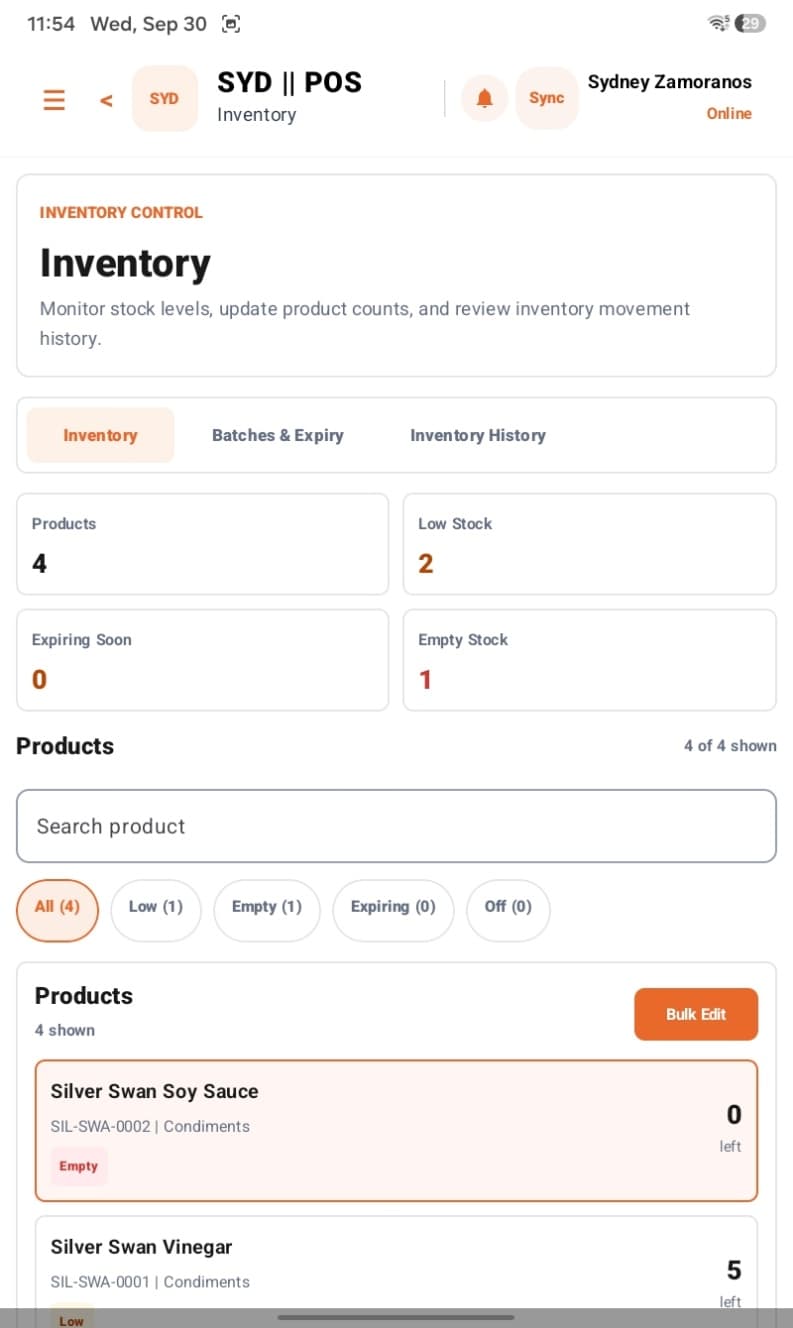
Check stock levels and movement history, then use low-stock and expiry alerts to decide what to order or use first.
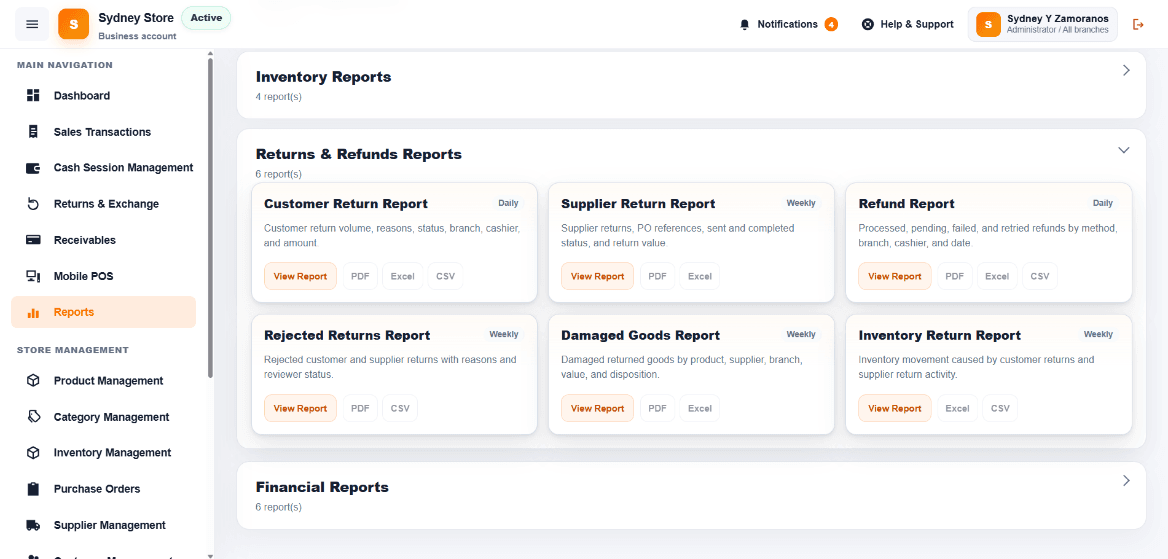
Keep every order accounted for
Whether you serve a queue at the shop or guests at a table, see what was ordered, what was paid and what is still open.
Scan a basket, take payment and record the sale. Check stock before restocking, then compare the closing cash count with recorded drawer activity.
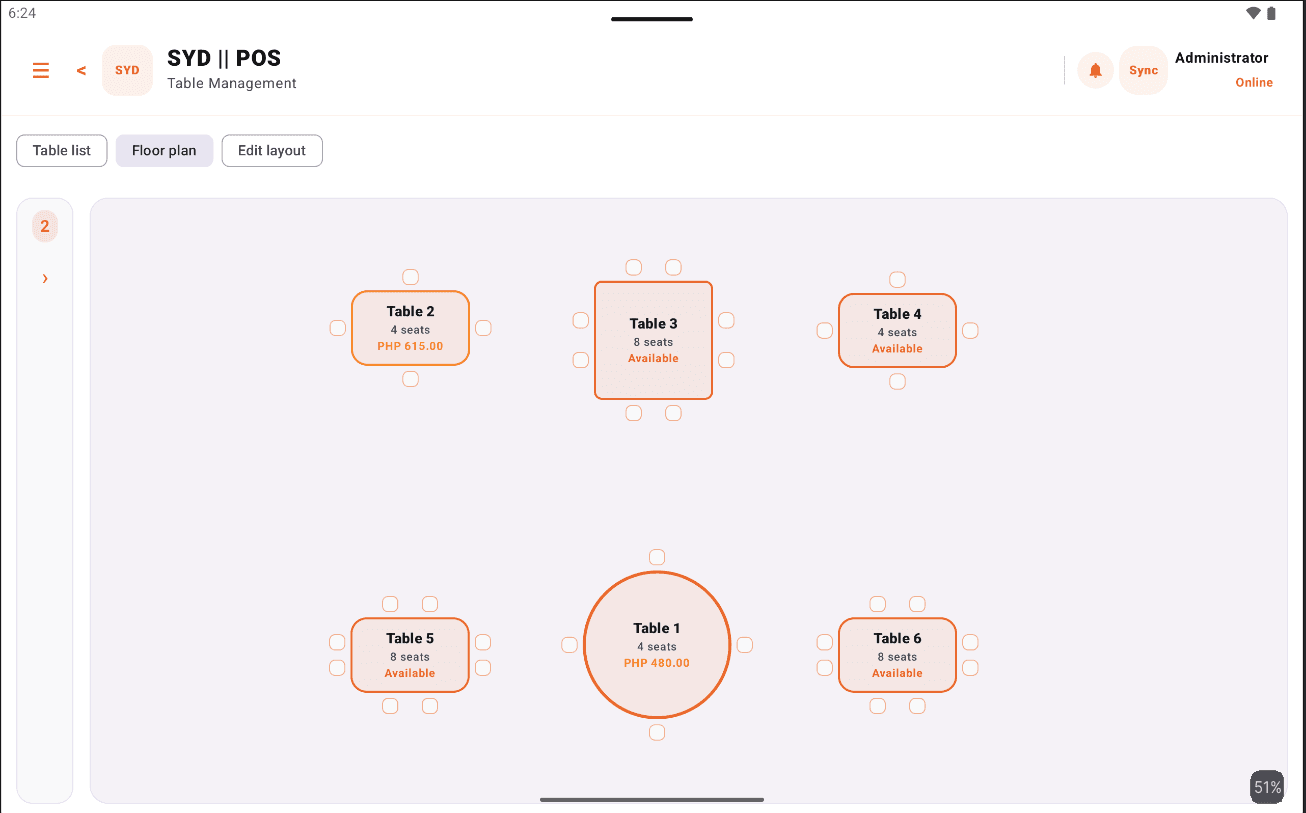
Keep orders and running bills with the right table until guests pay. Review stock and expiry alerts before service, then reconcile cash when the shift ends.
Follow money still owed
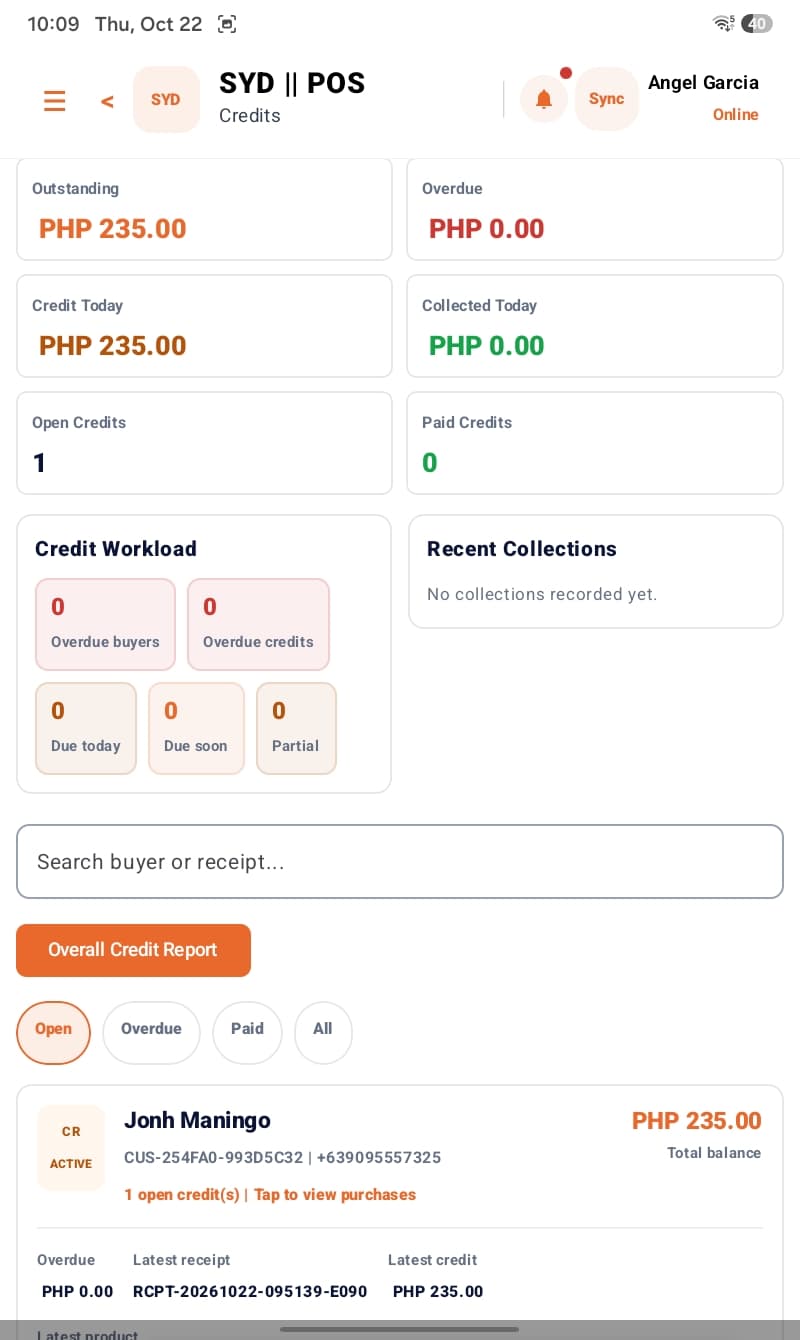
Review customer balances, collections and due dates alongside sales reports. Keep returns and refunds connected to the original transactions and stock.
Stay in control across shifts and branches
Compare sales, check stock and trace transfers before calling each shop or restaurant. Staff schedules and role-based access help keep every shift organized.
Illustrative branch overview · Sample figures
All branches today
₱184,250
Sync status
3 / 3 online
Main Branch
Downtown
₱82,400
Sales today
2 terminals
Stock healthy
Branch 2
Mall Outlet
₱61,900
Sales today
2 terminals
4 items low
Branch 3
Highway Store
₱39,950
Sales today
1 terminal
Stock healthy
Stock transfer: 25 items moved from Main Branch to Mall Outlet — received digitally, both stock counts updated automatically.
Send stock from one store to another with a digital transfer slip. The receiving branch confirms it, and both inventories adjust on their own — so you can follow the movement from dispatch to receipt.
See each branch on its own or combine them into one company total. Compare daily and monthly performance side by side and know which store is really earning.
Always open
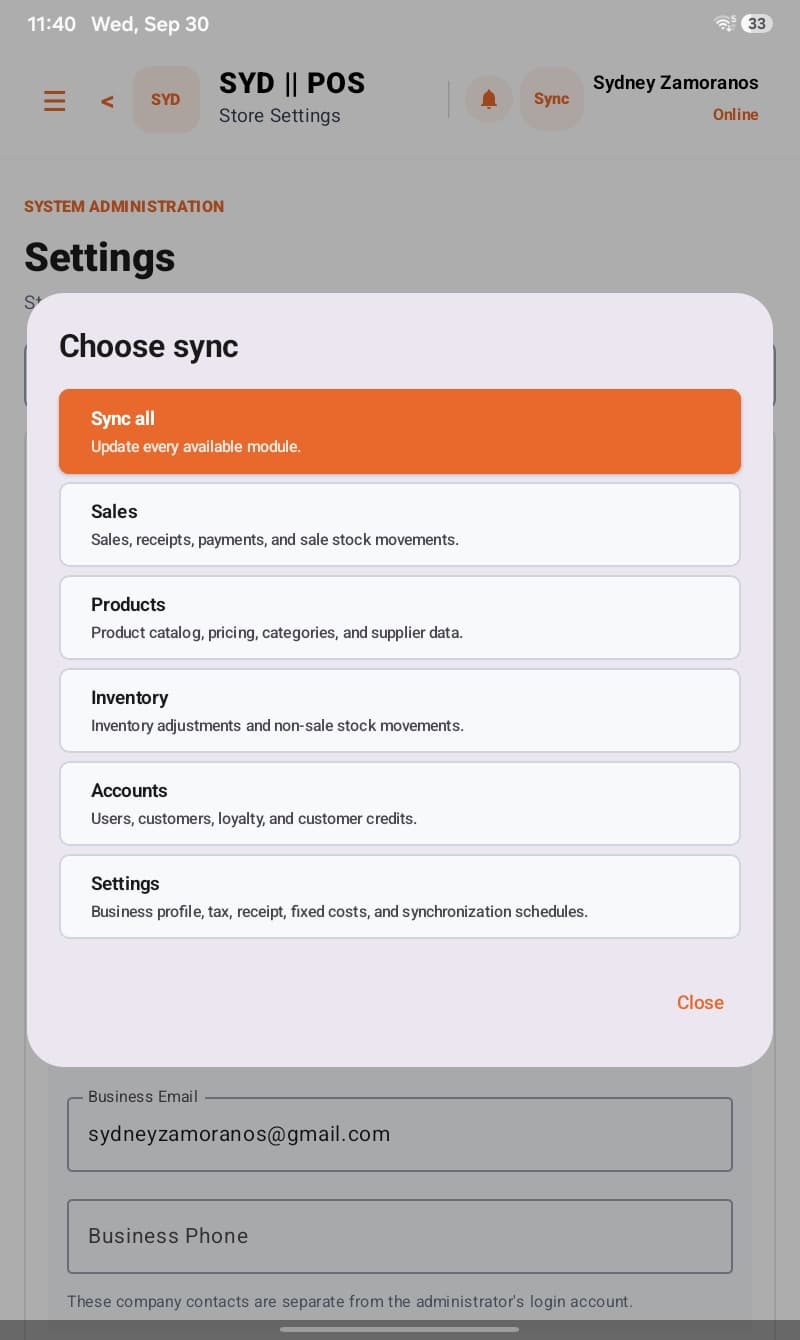
SYD POS keeps your business running even when your internet connection doesn't. Continue processing sales on your Android POS and automatically synchronize your transactions when you're back online.
See it in action
Watch SYD POS ring up a sale on an Android tablet, print the receipt, and open the cash drawer in seconds.
Receipt printing
Works with thermal receipt printers
Cash drawer
Opens automatically on cash sales
Fast checkout
Tap, pay, done in seconds
Works offline
Keeps selling without internet
Check in wherever you work
Take sales on an Android tablet, laptop or desktop, and check your back office in a browser. Offline sales on the tablet sync when the connection returns.
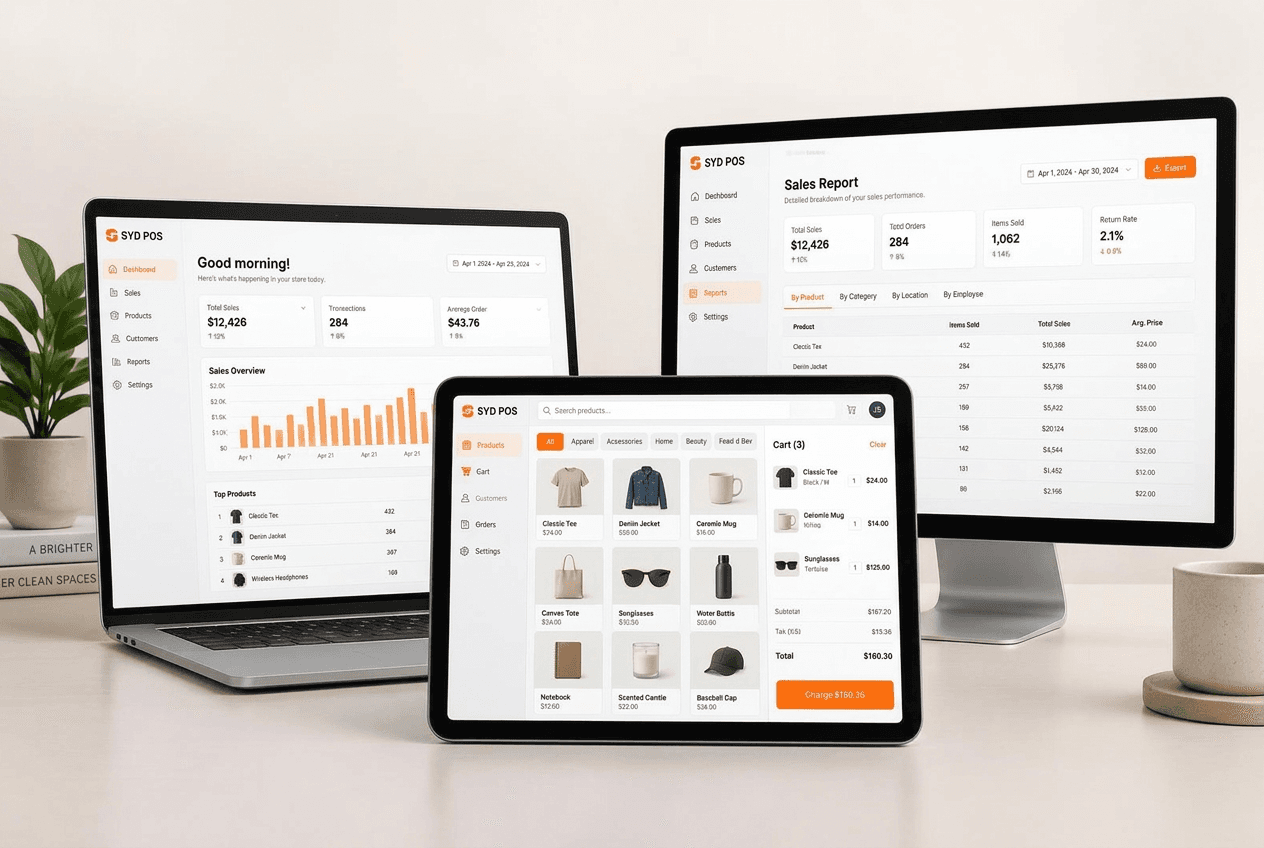
Android tablet
Portable counter checkout that keeps selling offline
Laptop
A full cashier station, or your back office on the go
Desktop
Counter terminal with barcode scanner, plus full ERP
Web browser
Nothing to install — sign in and start selling
Choose for the work you need to do
Compare how each system supports the work that follows: checking cash, replenishing stock, collecting balances and keeping branches accountable.
Trusted by store owners
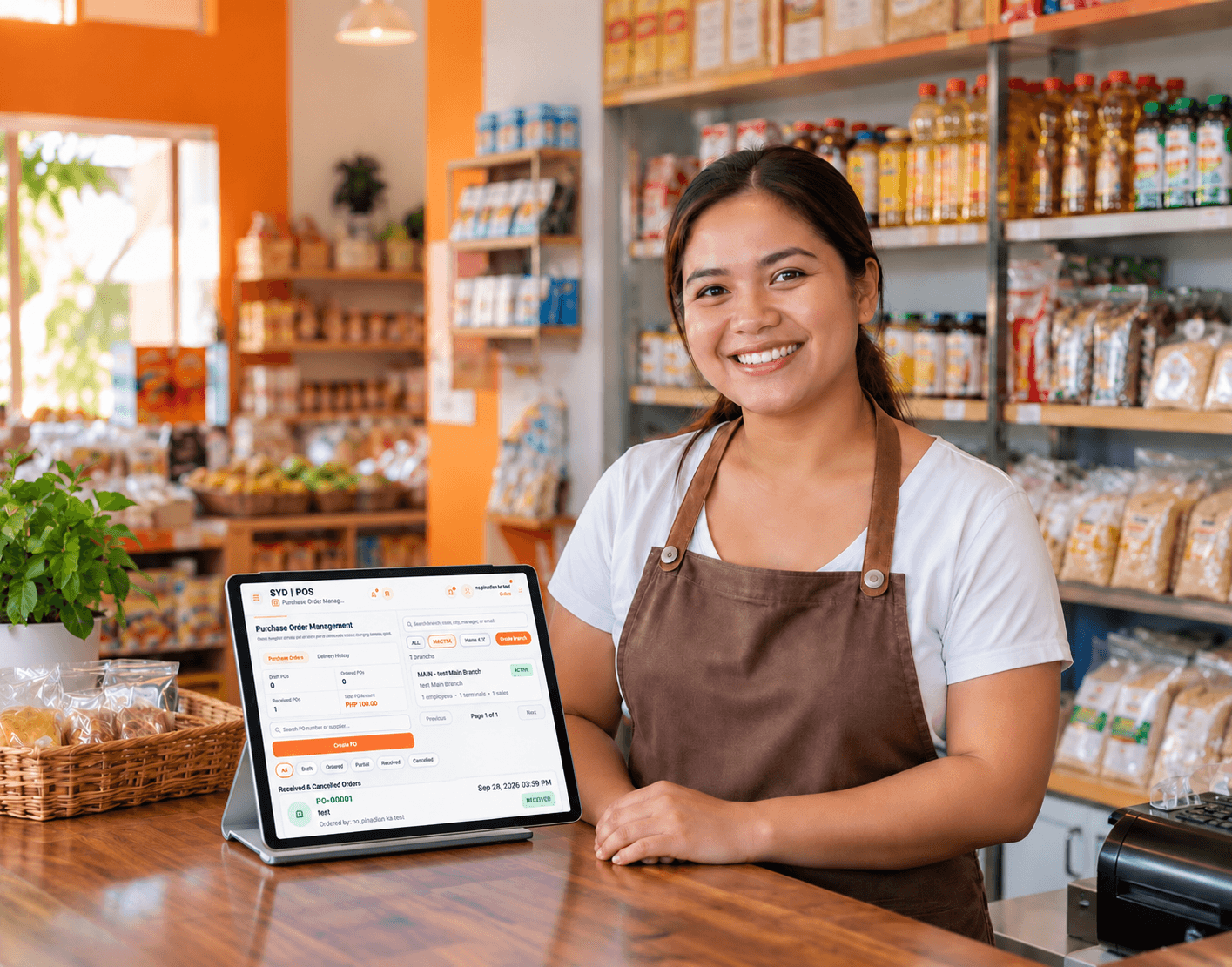
During brownouts we used to stop selling. Now the tablets keep ringing up sales, and everything syncs by itself once we are back online.
Maria S.
Minimart & Grocery, Cadiz City
3 branchesWe carry hundreds of items. Low-stock alerts tell me before something runs out, and barcode scanning cut our counter line in half.
Ramon T.
Hardware & Construction Supply, Negros Occidental
Single branchI check daily sales and stock from my laptop at home. The price is fair and there is no long contract to worry about.
Elena G.
Apparel & Boutique
2 branchesSimple & transparent pricing
Pick monthly flexibility, save with 6 months, or get two months free with annual billing.
Monthly
₱799/month
Main branch · Cancel anytime
6 Months
₱4,390/6 months
₱4,794 · about ₱732/month
Save ₱404
Annual
₱7,990/year
₱9,588 · about ₱666/month
Save ₱1,598 — Get 2 Months FREE
Need another branch?
Add only ₱299/month, ₱1,649 per 6 months, or ₱2,990/year per additional branch.
Example, 3 branches: ₱1,397/month, ₱7,688 per 6 months, or ₱13,970/year.
Get support with checkout, stock checks and shift closing, so cashiers and managers know what to do next.
Remote assistance and troubleshooting when you need help.
Personal onsite assistance available initially around Cadiz and nearby areas.
Learn in minutes
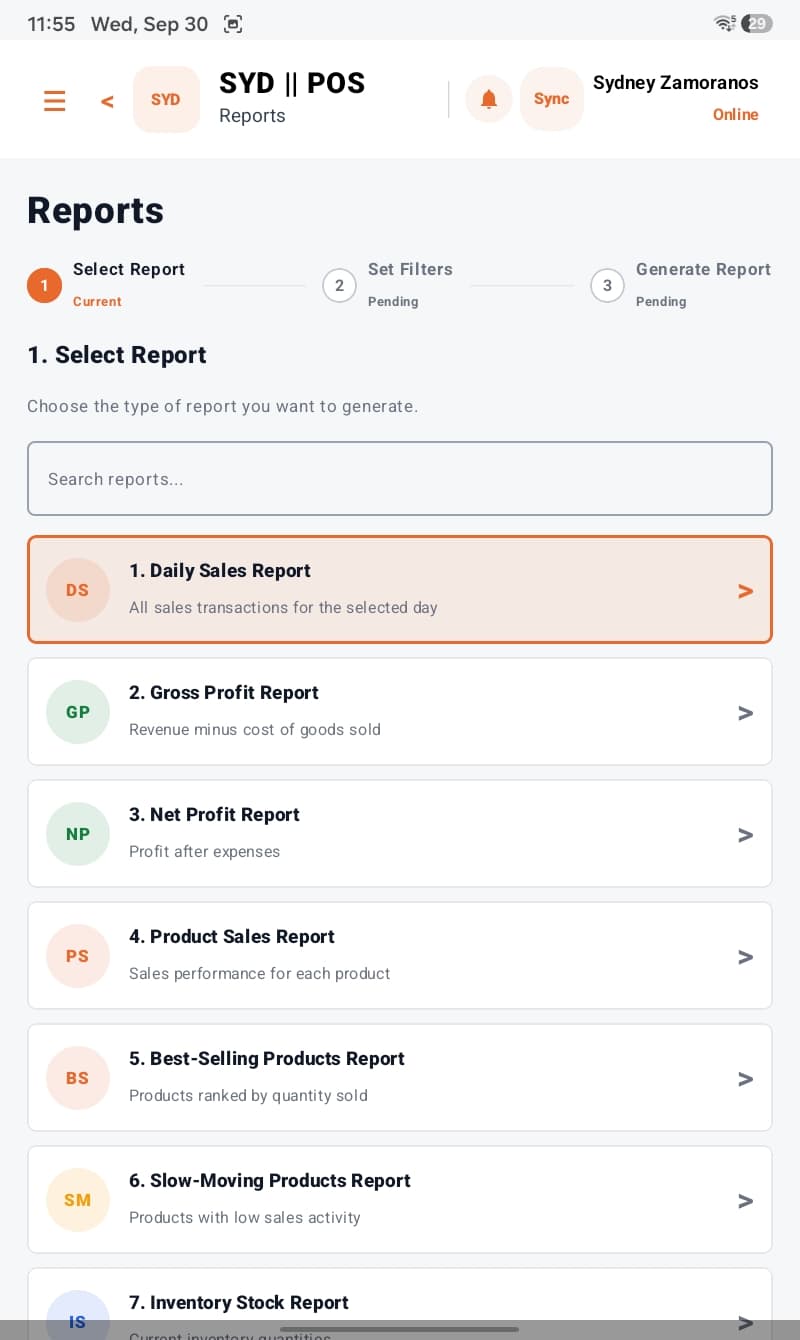
Written guides and short videos help your team learn checkout, stock checks and daily reports.
Clear, step-by-step guides for cashiers, managers and owners — printable or on screen.
Short walkthroughs for checkout, adding products and reading your sales reports.
The screens are simple enough that a new cashier can start selling on day one.
Online help anytime, plus onsite visits around Cadiz and nearby areas.
Walk through a retail sale or restaurant order, a stock check and a shift close with us. Plans start at ₱799/month.